Install Apache OpenOffice 4.0.1 on Fedora 20/19, CentOS/RHEL 6.5
This is quick guide to install Apache OpenOffice 4.0.1 on Fedora 20/19/18/17/16/15/14/13/12, CentOS 6.5/6.4/6.3/6.2/6.1/6, Red Hat (RHEL) 6.5/6.4/6.3/6.2/6.1/6 with using Apache OpenOffice original RPM packages.
What’s new in Apache OpenOffice 4.0.1 release
- New Sidebar – The Sidebar makes better use of today’s widescreen displays than traditional toolbars
- Interoperability Improvements
- DrawObject Improvements/Enhancements
- Extensions Improvements/Enhancements
- Many resource leaks were fixed
Check full feature list here.
Install Apache OpenOffice 4.0.1 on Fedora 20/19/18, CentOS/Red Hat (RHEL) 6.5
1. Download Apache OpenOffice 4.0.1 Linux Package
Apache OpenOffice 4.0.1 32-bit version
Apache OpenOffice 4.0.1 64-bit version
2. Change to root User
3. Remove OpenOffice.org and LibreOffice.org Packages with following command
yum remove openoffice* libreoffice* |
4. Extract Package and Access Directory
Apache OpenOffice 4.0.1
tar -xvf Apache_OpenOffice_4.0.1* cd en-US |
5. Block openoffice.org-ure and libreoffice-ure package updates
In other words, “pin” openoffice.org-ure and libreoffice-ure packages
Add exclude row to /etc/yum.conf file, under the section [main]:
## Edit file nano -w /etc/yum.conf ## Add exclude row [main] exclude=openoffice.org-ure* libreoffice-ure* |
6. Install / Update Apache OpenOffice 4.0.1 RPM packages
rpm -Uvh RPMS/*.rpm RPMS/desktop-integration/openoffice4.0-redhat-*.rpm |
7. Start Apache OpenOffice 4.0.1
Start OpenOffice with Clicking Icons (found normally from menus) or Start OpenOffice with Following Command:
Screenshots
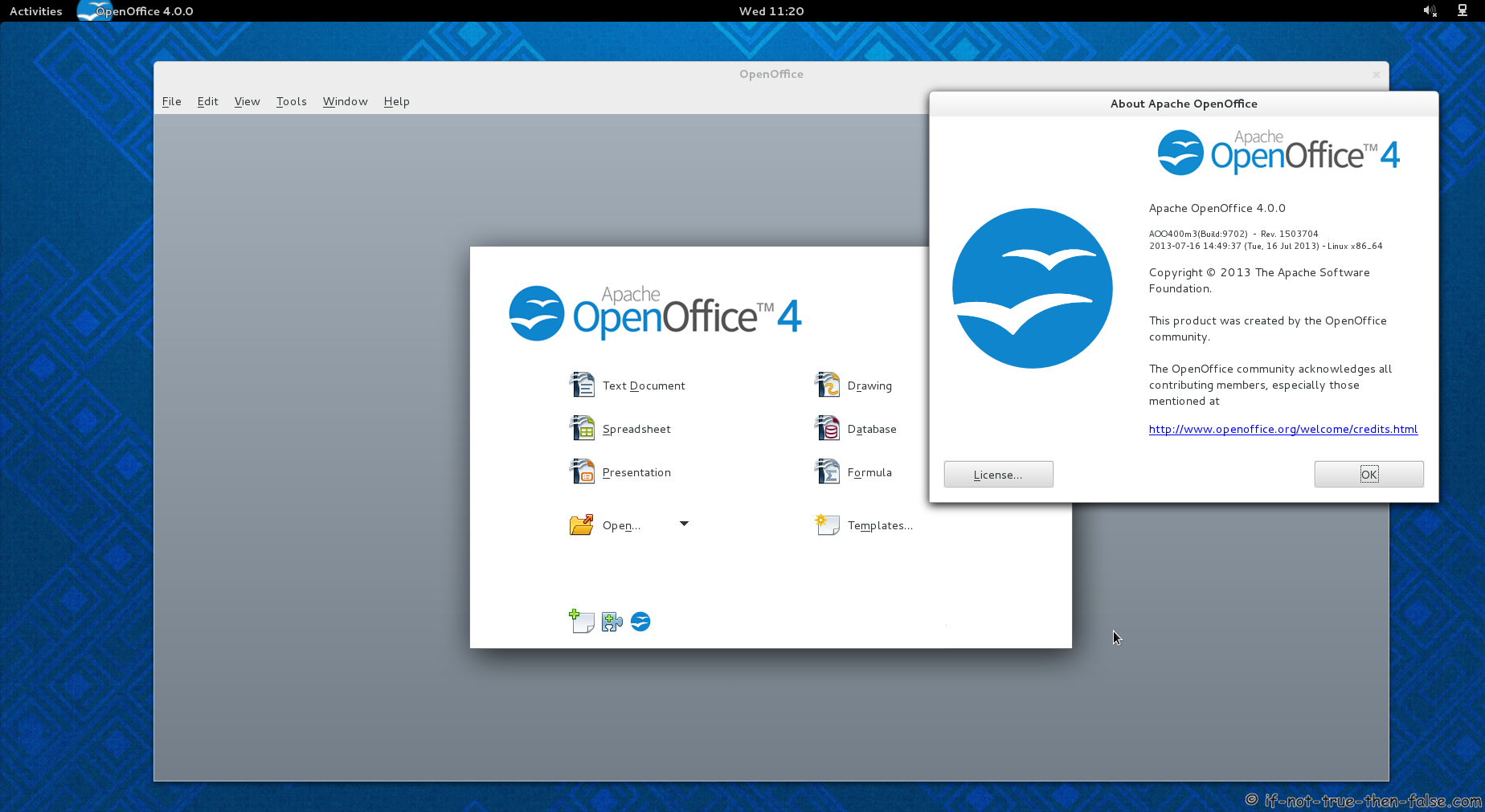
Apache OpenOffice 4.0.0 running on Fedora 19

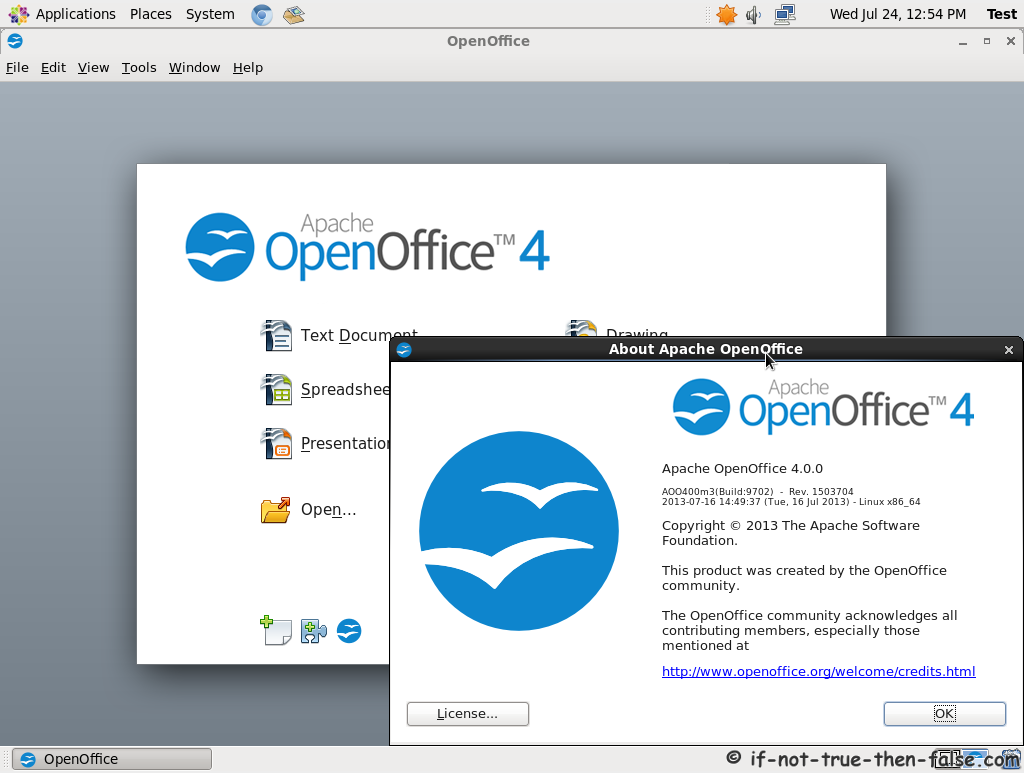
Apache OpenOffice 4.0.0 running on CentOS 6.4

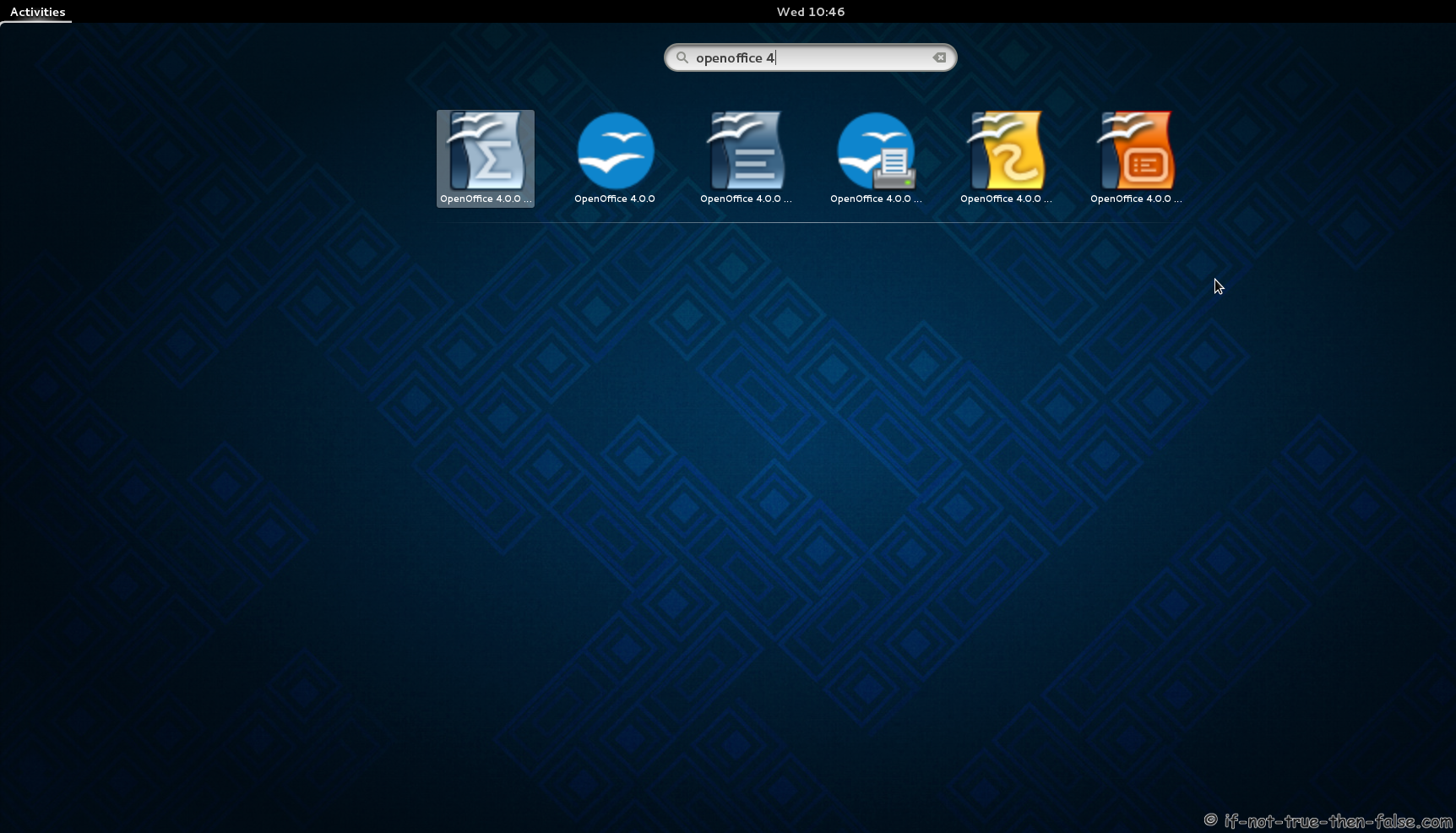
Apache OpenOffice 4 launchers on Fedora 19 Gnome Shell


No comments:
Post a Comment